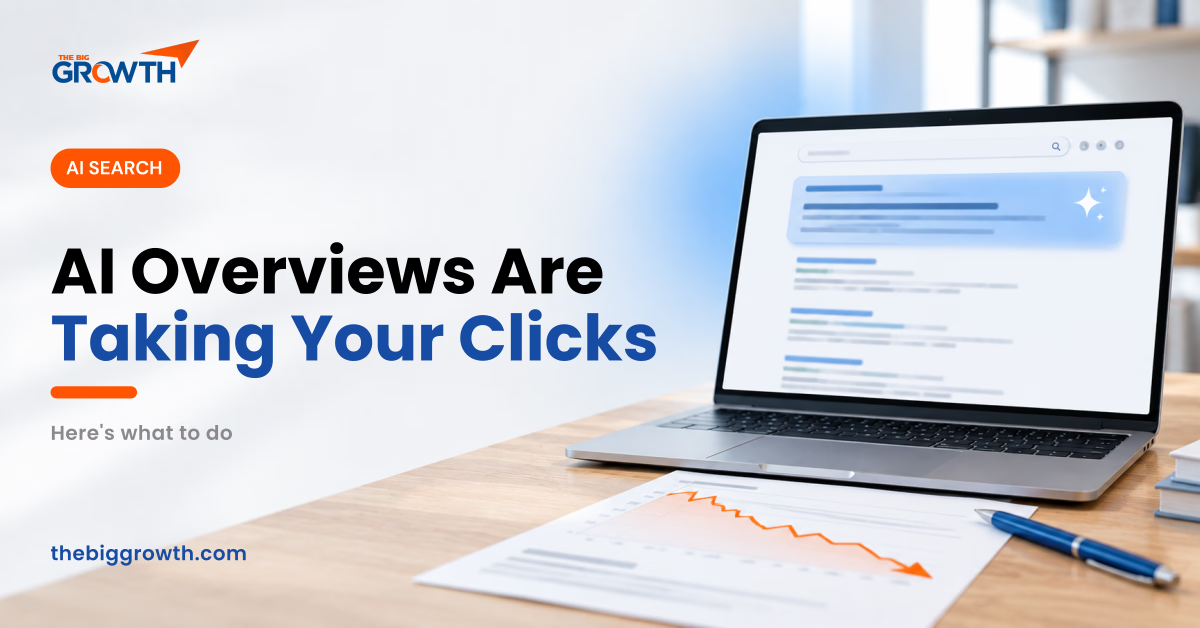
You open Google Search Console and something looks off. Impressions are steady or even rising, but clicks have slid down month after month. Your rankings haven’t moved much. So where did the visitors go?
For a lot of websites in 2026, the answer is sitting right at the top of the results page. Google’s AI Overviews summarise an answer before anyone reaches the links, and many people get what they need without clicking.
Here is how to tell whether AI Overviews are behind your drop, which pages are most at risk and what you can do about it.
How Big Is the Effect?
AI Overviews are now common. Ahrefs found them on about 48% of the queries it tracked in March 2026, and they are live in more than 200 countries.
The click cost is real. An Ahrefs study earlier in 2026 found that the top-ranking page received far fewer clicks when an AI Overview appeared above it. Amsive’s analysis of around 700,000 keywords found an average drop in click-through rate of about 15% on queries with an AI Overview, with non-branded searches hit harder and branded searches actually gaining clicks.
There is a flip side too. Several studies have found that pages cited inside an AI Overview tend to get more clicks than pages that aren’t. Being the source has become more valuable than ranking just below the summary.
Step 1. Confirm AI Overviews Are the Cause
Not every traffic drop is caused by AI. A core update, a technical problem or a seasonal dip can look similar. Here is a quick way to tell the difference.
- In Search Console, compare the last three months with the same period last year
- Sort pages by lost clicks and look at the queries driving them
- Search those queries yourself and check whether an AI Overview appears
- Look for the pattern of impressions holding steady while clicks and click-through rate fall
If your informational pages are losing clicks while branded and service searches hold steady, AI Overviews are the likely reason. If rankings dropped across the board at once, look at recent Google updates or technical issues first.
Step 2. Know Which Pages Are Most at Risk
Some content is far easier for AI to replace than others.
Most at risk:
- Definitions and “what is” articles
- Simple how-to guides with a short answer
- General tips lists that repeat what other sites say
- Basic statistics pages without original data
Much safer:
- Service, pricing and product pages
- Case studies and portfolio pages
- Local pages for specific areas
- Tools, calculators and templates
- Opinion and experience-based content
This tells you where to invest and where to stop. There is little point creating another generic “what is SEO” article in 2026.
Step 3. Make Your Content Worth Citing
Google has said there is no special trick for getting into AI Overviews. Its June 2026 guidance points to the same things it has always valued: helpful, original content on pages that are easy to crawl and clearly structured. In practice, that looks like this.
Answer the Question Early
Put a clear, direct answer in the first few lines under each heading, then go deeper. This helps both readers and AI systems pick out the key point.
Add What Only You Can Add
Your own numbers, client results, photos, process details and opinions are what separate your page from the fifty others the AI could summarise. Pages with original information are more likely to be cited and more likely to be clicked.
Structure Pages Cleanly
Use descriptive headings, short paragraphs, lists where they help and tables for comparisons. Add structured data such as FAQ, Product, Article or LocalBusiness schema where it genuinely fits the page.
Show Who Is Behind It
Add author names with real experience, an about page that explains who you are and clear contact details. Trust signals matter even more when AI tools decide which sources to rely on.
Step 4. Give People a Reason to Click
Even when an AI Overview answers the basic question, many people want more. Make it obvious that your page has something extra.
- Write titles and meta descriptions that promise depth, like a checklist, template, example or price guide
- Offer downloadable resources, calculators or tools
- Include real examples and visuals that a text summary can’t show
- Link your informational content clearly to your services so the visitors you do get can take the next step
Step 5. Grow Traffic That AI Can’t Take
The safest traffic is the kind that doesn’t depend on a single search result. Branded searches, direct visits, email subscribers, social followers and referrals all hold up regardless of what Google changes next.
Invest in your brand so more people search for you by name. Build an email list from your best content. Share your expertise on LinkedIn, YouTube and Instagram. Each of these also creates the mentions that help AI tools recommend you.
Step 6. Change How You Measure Success
Traffic alone is becoming a weaker measure. A page can lose half its clicks and still bring in the same number of leads, because the visitors who remain are more serious. Track enquiries, calls, sales and branded search volume alongside traffic. Keep an eye on impressions too, since they show your content is still being seen, even when the click doesn’t come.
Final Thoughts
AI Overviews have changed the deal between Google and website owners, and pretending otherwise won’t bring the clicks back. But the businesses that adjust, by focusing on content close to a decision, adding original value and building their brand, are still growing.
If your traffic has dropped and you are not sure why, The Big Growth can run an audit that separates AI Overview losses from technical or update-related problems and gives you a clear plan for each. Request your free growth plan to get started.
Frequently Asked Questions
Can I stop Google from showing my content in AI Overviews?
You can use the nosnippet tag or related controls to limit how Google uses your content in snippets and AI features, but this usually reduces your visibility in regular results too. For most businesses, it is better to aim for being cited.
Do Google AI Overviews appear for every search?
No. They show up most on informational questions and less often on branded, local and shopping searches. The share has been growing through 2026, so check your own key queries regularly.
Does ranking first still matter?
Yes. AI Overviews often draw from pages that already rank well, and many searches still show no AI Overview at all. Strong rankings remain one of the best ways to be both clicked and cited.